Designing with GenAI: From Brand Moodboards to Production-Ready Assets
Designing with GenAI: From Brand Moodboards to Production-Ready Assets
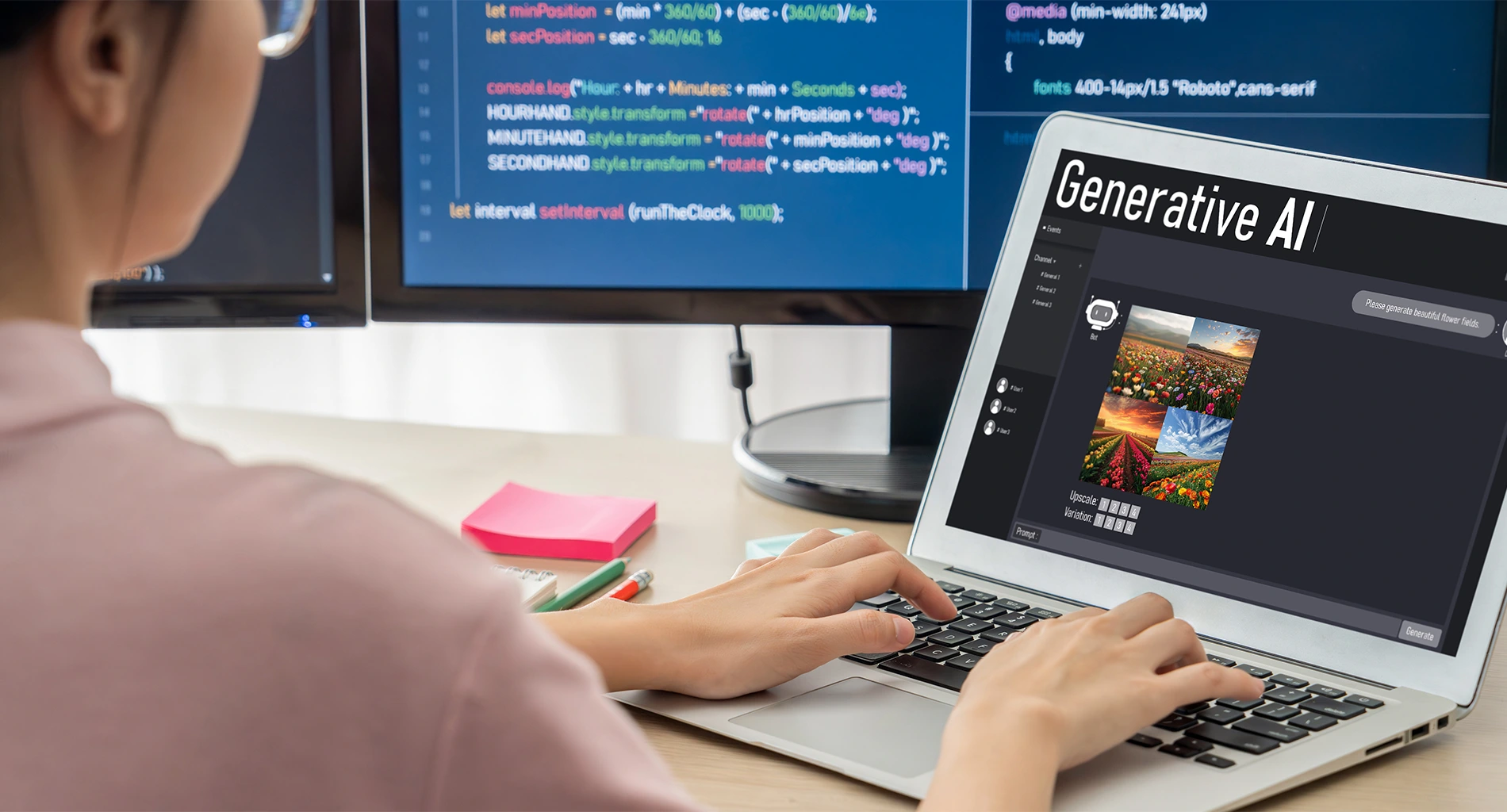
Great branding starts with feelings—then fights its way into grids, hex codes, and print specs. GenAI finally bridges both. Start with a brand DNA prompt: tone, audience, color temperature, textures, era references (“mid-century editorial, matte grain, restrained serif”). Feed that into a diffusion model (Stable Diffusion XL or FLUX) with a fixed seed for reproducibility. Use ControlNet (depth/pose/lineart) to lock composition while exploring style; apply LoRA adapters trained on your brand’s iconography to keep motifs consistent.
From there, build a moodboard batch (20–50 shots): hero scenes, product close-ups, typographic treatments, and social frames. Tag outputs with prompt, seed, CFG, steps, scheduler—your creative audit trail. Approve directions, then harden them into prompt templates (“look presets”) and export a style dictionary: palette (LAB/CMYK), type stack, texture pack, shadow rules.
For production, upscale with latent or SGM-based upscalers, switch to linear color for compositing, and validate brand colors via Delta-E <= 2. Vectorize logos/marks, and batch-conform social cuts with a node graph in ComfyUI/Automatic1111. Final QA: accessibility contrast, safe areas, file-weight budgets, and print bleeds. The magic here isn’t one image—it’s a repeatable pipeline that turns a hunch into a handbook, then into a campaign.